An empty CMS
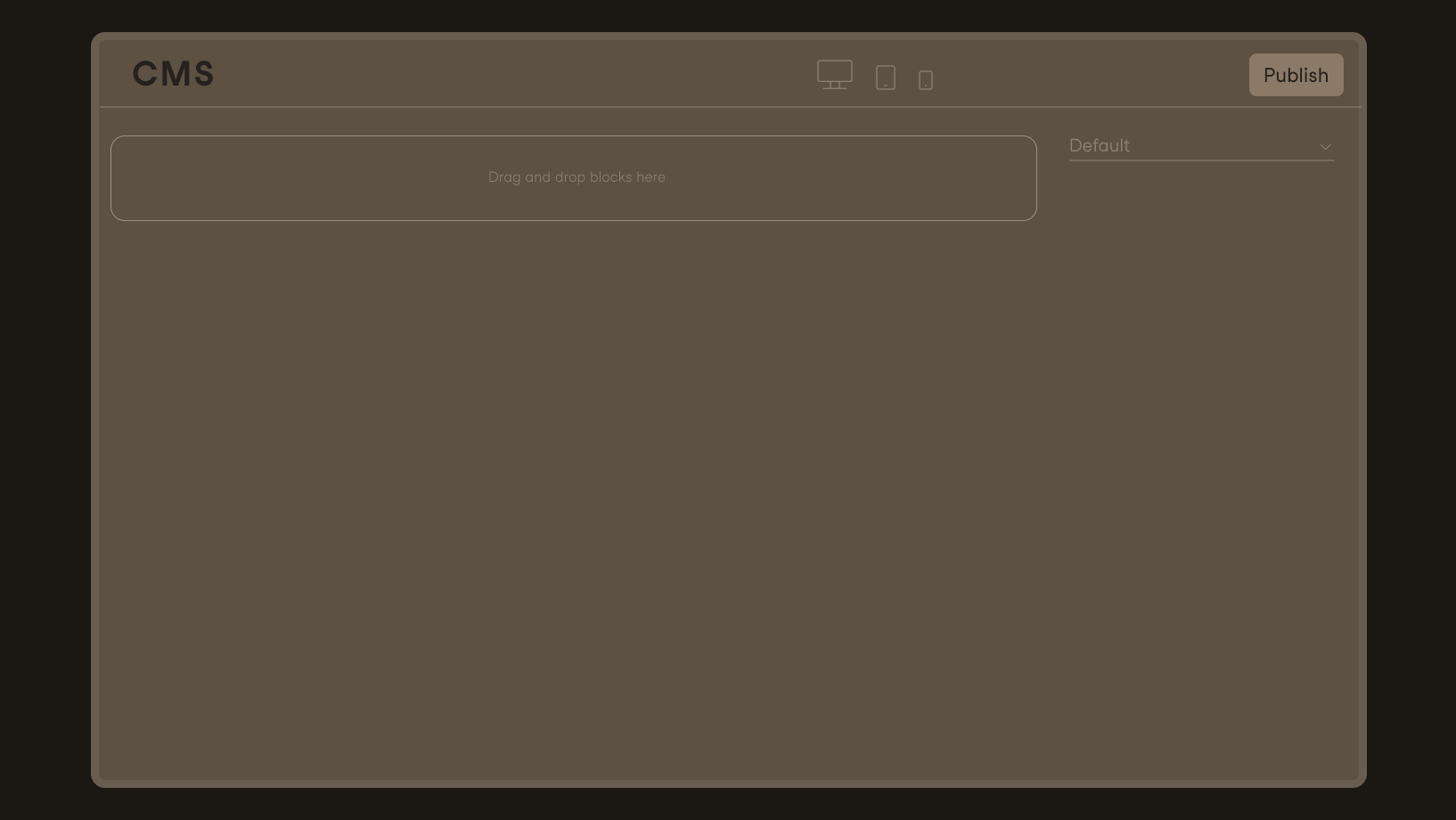
We're starting from scratch: a brand-new Sulu or Ibexa project, with no pre-built modules.
This is how your Figma components are turned into production-ready front-end code, complete with finished CMS modules. Step by step, with everything your IT team needs to know.
Book a demo with your design
Design-to-Live is the next step beyond Design-to-Code: While Design-to-Code tools generate code drafts from Figma designs—which development teams must then refine and integrate into the CMS—LAIV converts Figma components in a single step into production-ready front-end code and finished, publishable modules in the content management system. The result is not a template, but a building block that the editorial team can immediately populate and publish live.
Deterministic
LAIV is deterministic: the same input produces the same output
How-to
We're starting from scratch: a brand-new Sulu or Ibexa project, with no pre-built modules.
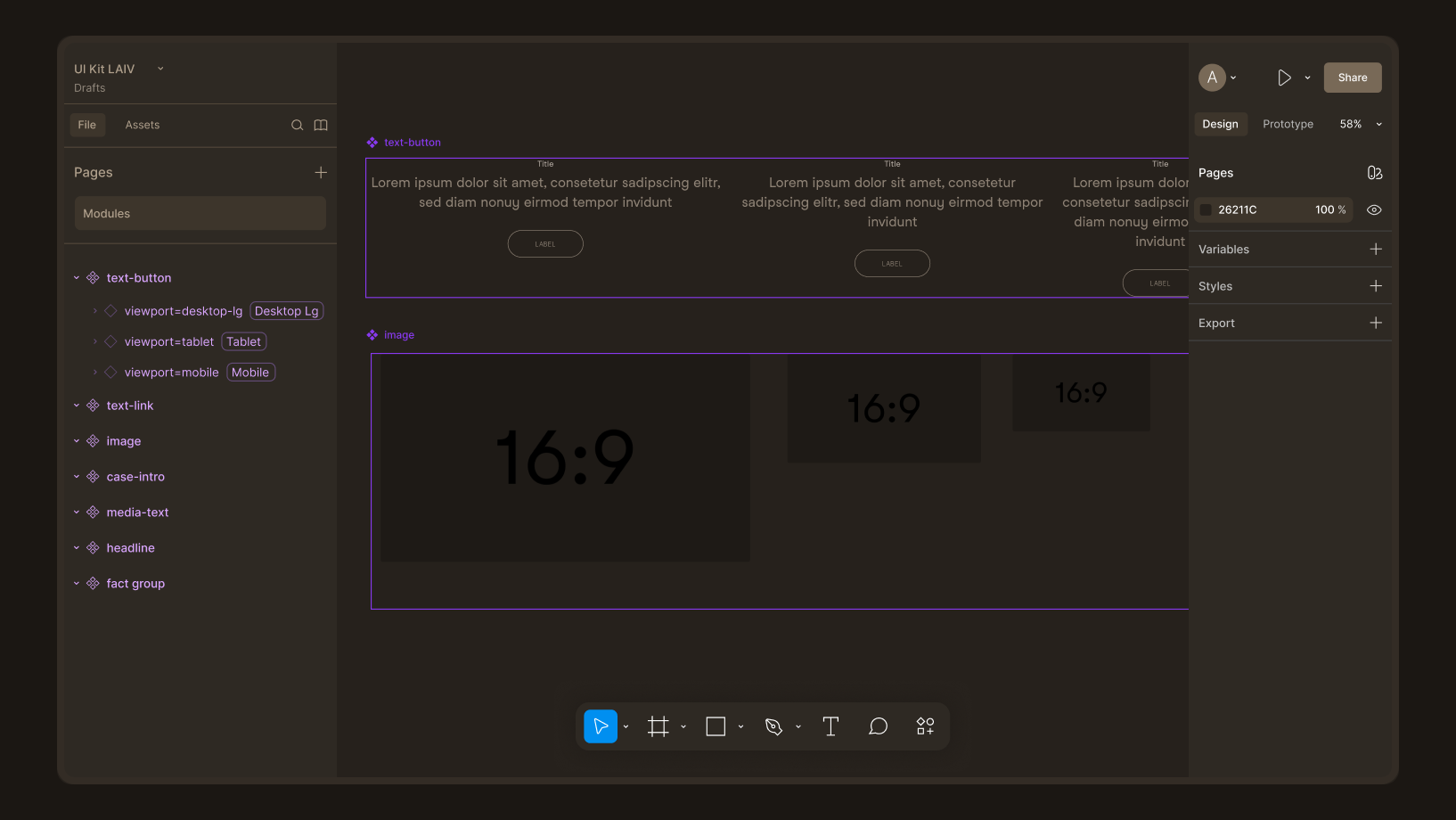
Text, text-image, video, slider, accordion: designed just the way your team always does. All breakpoints, animations, and interactions included.
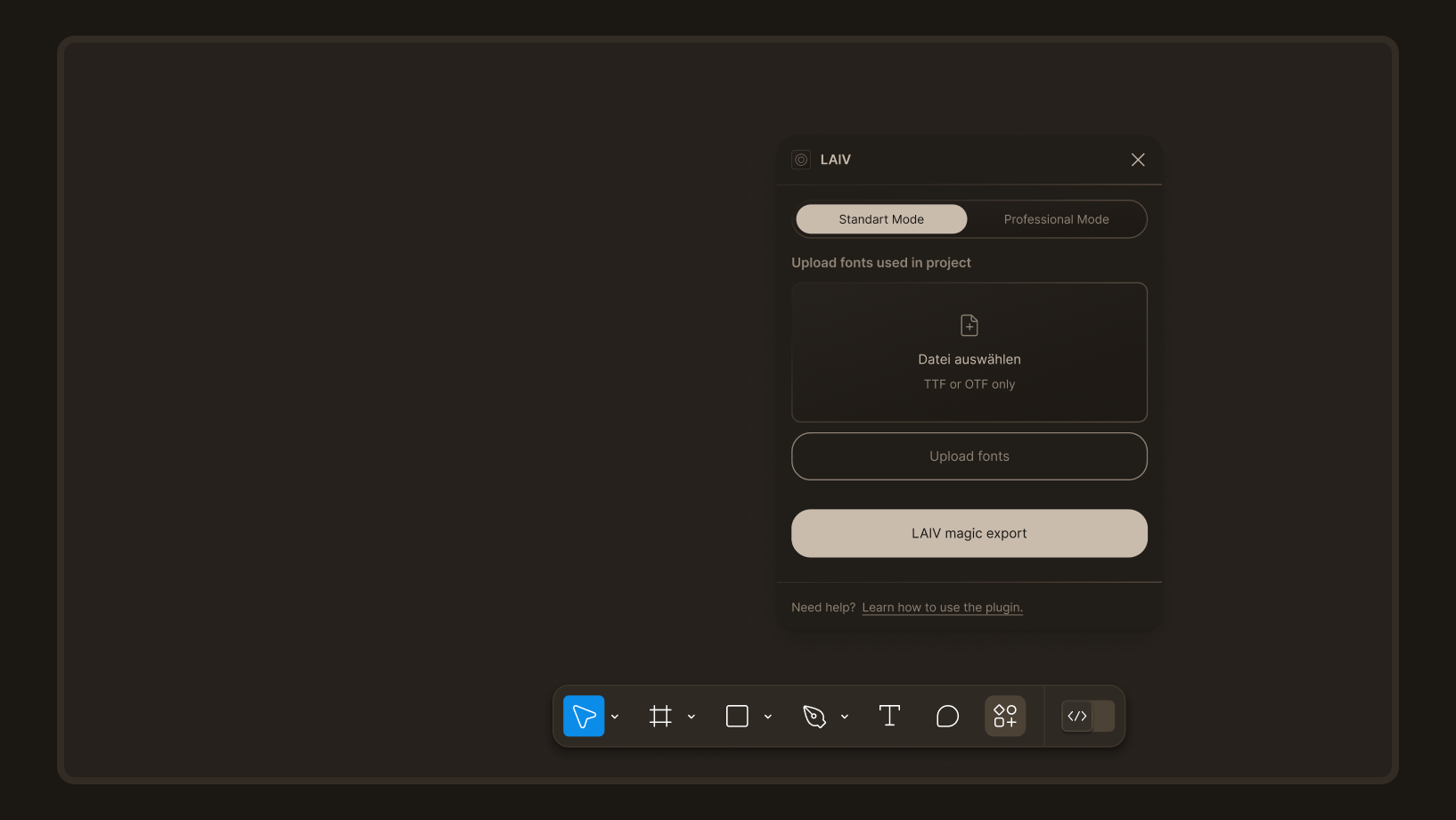
LAIV generates both front-end code and CMS modules in a deterministic manner: the same input produces the same output, and the results are reproducible at any time.
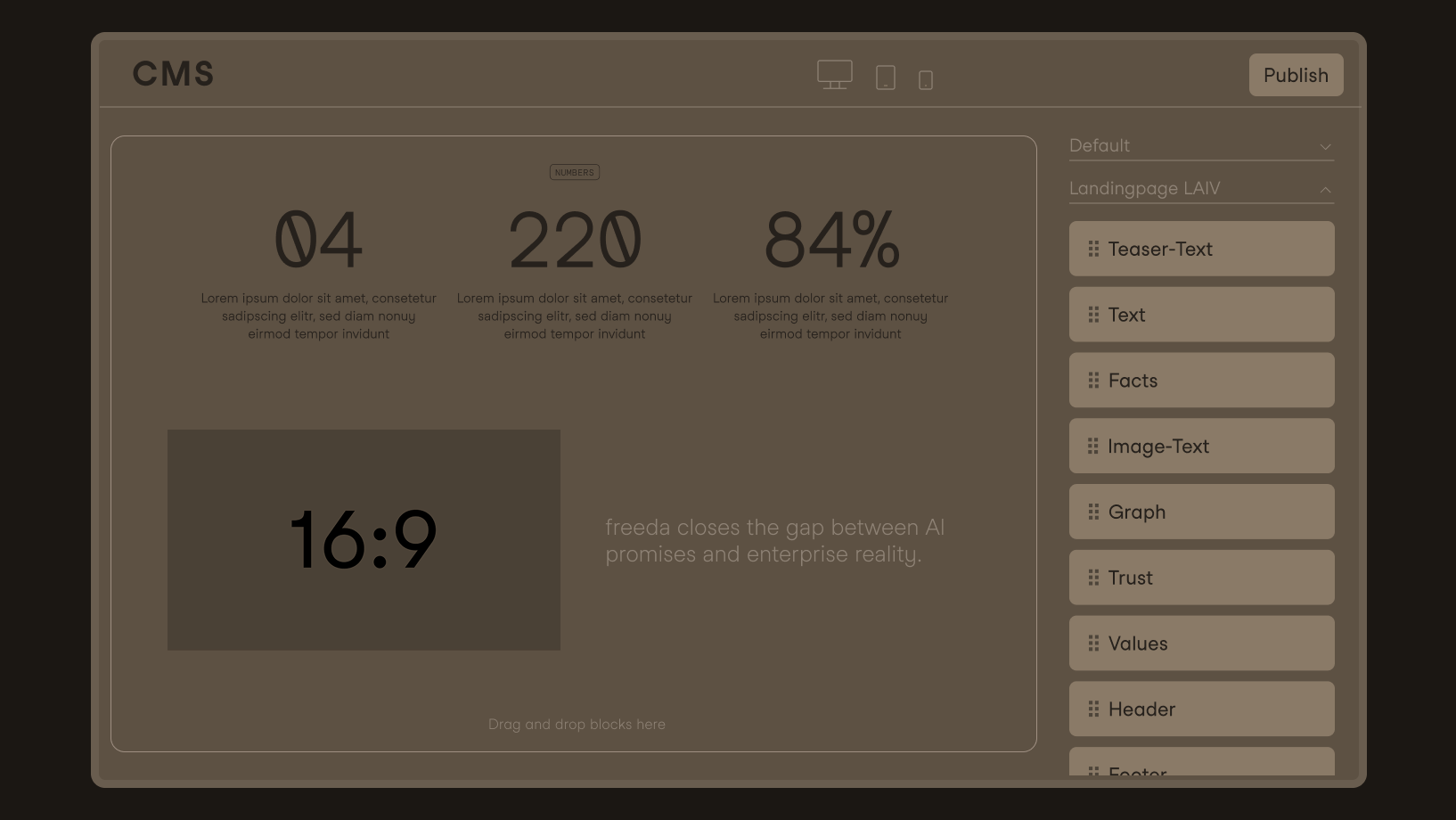
The modules appear in the CMS as if they were built by hand: Your editorial team fills in fields, uses workflows, personalization, and scheduled delivery, and publishes them live.
Edit the design in Figma—one click, and it’s live. Changes take seconds—no sprints. And no budget discussions.

Standard React, semantically structured, readable, and extensible by your developers—no uncontrolled code sprawl. (Vue and other CSS frameworks: on the roadmap.)

Full-featured modules in Sulu or Ibexa, with the correct field types (image, text, rich text), properly set up in the backend.

All breakpoints from Figma, including animations and interactions.

Generated in a semantic and accessible manner; browser audit score for this website: 9.8/10. To be honest: Compliant code is the foundation, not a guarantee for the entire site; what the editorial team does with it is entirely up to them.
We do not generate the navigation and footer. The reason is a cost-benefit decision, not a technical limitation: Your development team builds these elements once, since they rarely change afterward, and automation isn’t worth the effort for a one-time task. We believe this is more honest than promising full automation. And as mentioned above: WCAG-compliant code does not guarantee a website that is compliant in every respect; even the best code cannot prevent dark text on a dark background.
Your designers will stay 100% in Figma: no new tools, no retraining; onboarding takes one to two hours. An accompanying application maintains the mapping between which field in the CMS corresponds to which design element, with clear selection options for each component. Your editorial team won’t even notice LAIV, except that new modules are available faster.

“Isn't this just another AI wrapper?”
No. LAIV generates content deterministically via an intermediate representation: same input, same output, auditable. We use AI where it complements the process, not in the generation path. It takes two minutes to prove it: generate twice, compare the results.
“Can this really be ready for production?”
Understandable skepticism—this category has promised a lot. That’s why we don’t just make claims; we show you: a live demo from a blank CMS to a published page, including a code review.
“Will this work with our CMS?”
Sulu and Ibexa are up and running; Storyblok, CoreMedia, and Contentful are on the roadmap. Is yours missing? The adapter architecture is designed exactly for that. Talk to us.
“What happens if we quit?”
Everything continues to run as if it were built manually. No vendor login, no runtime, no lock-in. You simply lose the ability to generate new content with a single click. If you’d like, we can include that in the contract.
“Don't our developers do that themselves using Copilot and similar tools?”
For exploratory work: that's fine. For your website, however, this means probabilistic output, additional review work, and CMS integration that still has to be done manually. LAIV and AI tools complement each other: LAIV for the modules, AI for special cases such as navigation.
“Isn't Figma going to build that itself soon?”
Figma is building a publishing solution for its own ecosystem: simple sites in the Figma CMS. Your enterprise CMS—with personalization, workflows, and compliance—is in a league of its own. That’s exactly where LAIV comes in.